> For the complete documentation index, see [llms.txt](https://docs.electra.exchange/llms.txt). Markdown versions of documentation pages are available by appending `.md` to page URLs; this page is available as [Markdown](https://docs.electra.exchange/electra-terminal-guide/1.5-notifications.md).
# 1.5 Notifications
**Electra Notification Service – User Guide**
Stay on top of your trading and account activity with the **Electra notification service**, which sends important alerts to your Telegram account. You’ll never miss an event like deposits, market volatility, order updates, or major news!
***
### **How to Enable Notifications**
To receive notifications, you need to link the **wallet** connected on the Electra terminal to your **Telegram account**.
#### 1. Open Notifications
1. In the Electra interface, click the **“Notification”** button.
2. If you’ve already linked your wallet, you’ll see a menu with subscription options.
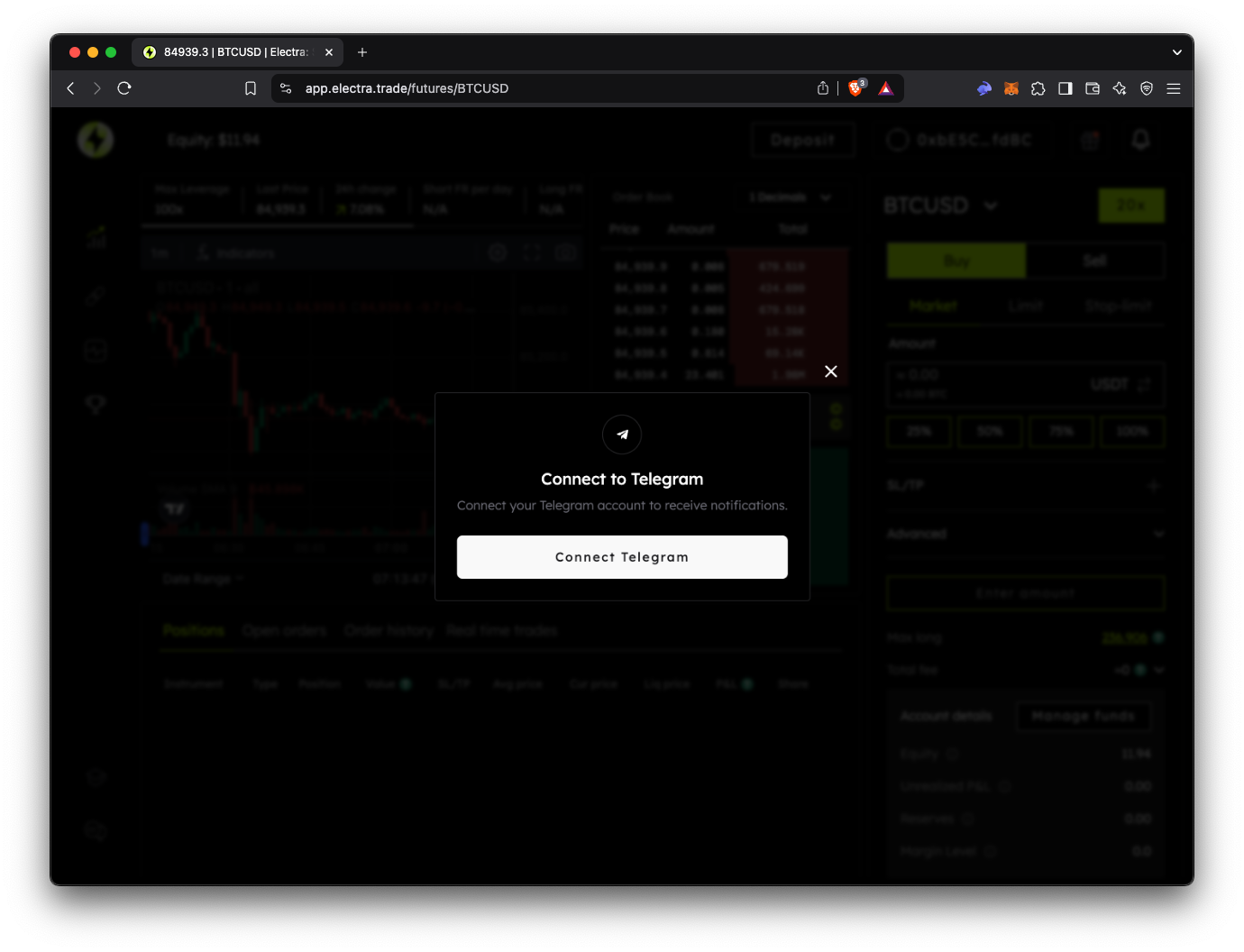
3. If not, a window will guide you through setting up the connection.
#### 2. Link Your Telegram
1. Click **“Connect Telegram”**
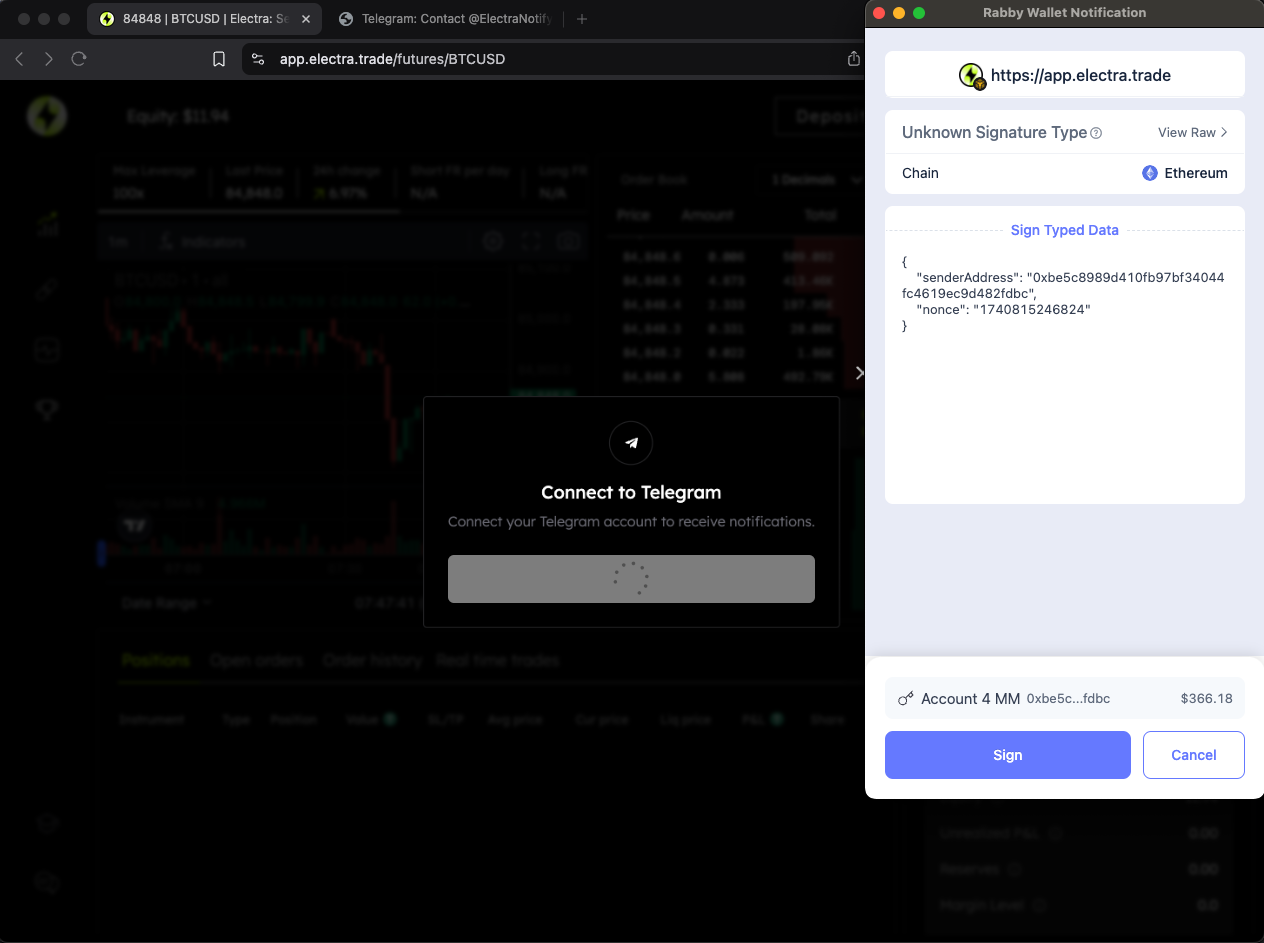
2. Press **Sign** - to link your accounts, simply approve a quick wallet verification. This is to confirm you own the wallet—it’s safe and won’t involve sending any funds.
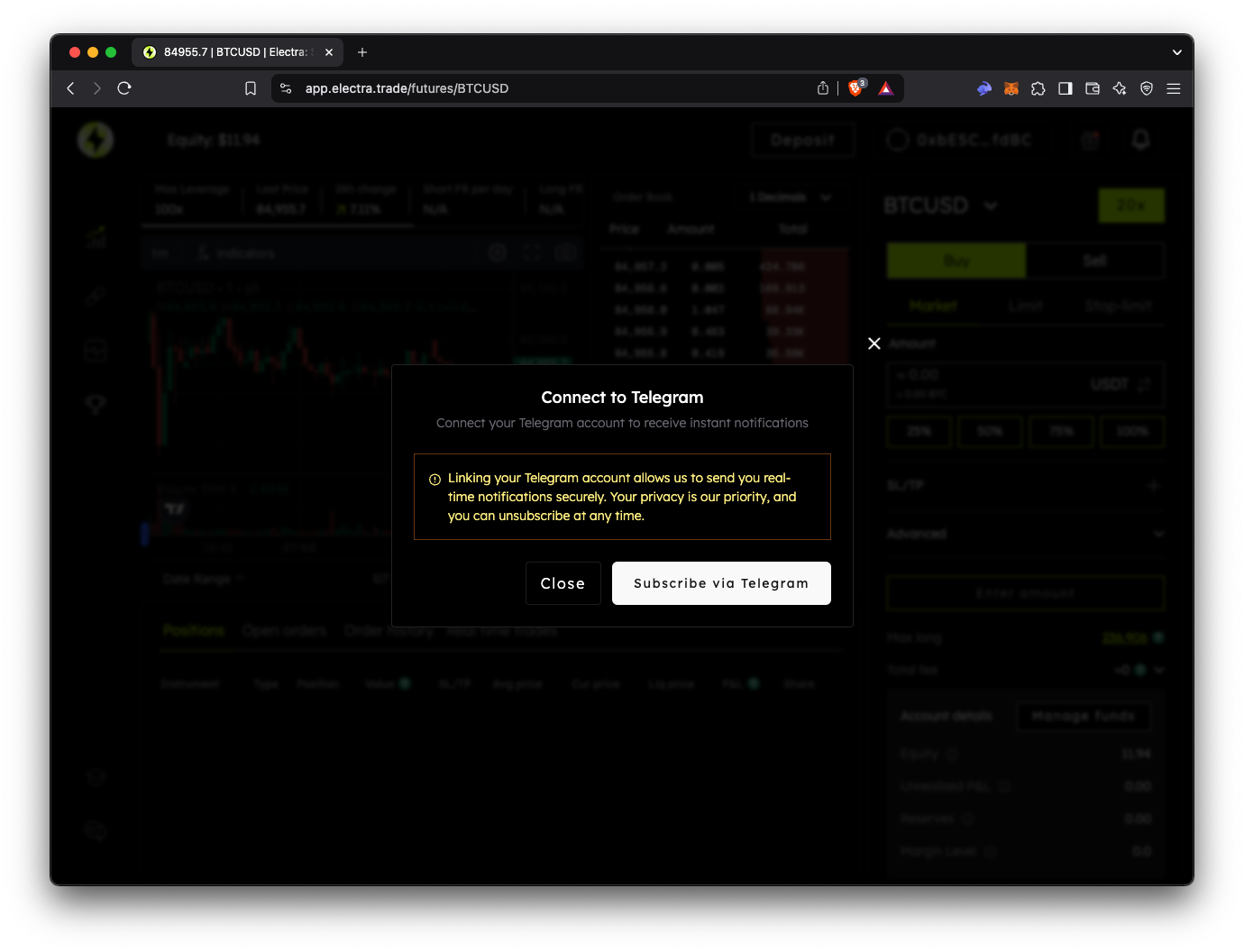
3. Confirm linking by clicking "Subscribe via Telegram" in your wallet.
#### 3. Confirm in the Bot
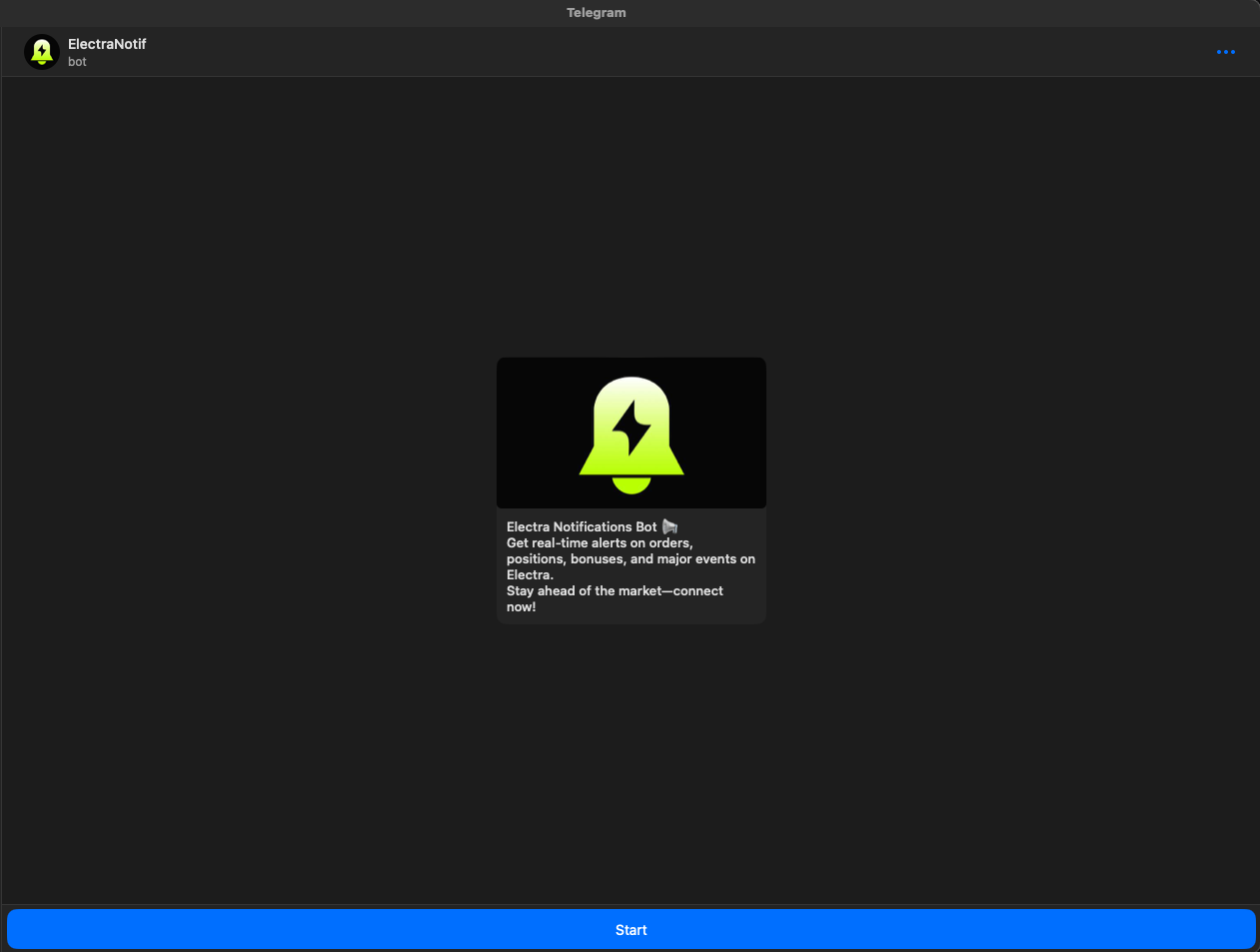
1. After being redirected to Telegram, press the "Start" button in the bot.
2. If the connection is successful, the bot will send a **welcome message**.
3. If the setup fails, follow these steps:
* Clear the chat with the bot.
* Reload the Electra webpage.
* Try again using the link provided.
> **Note**: Once your wallet is linked, **all notification types** are enabled by default.
***
### **Notification Preferences**
Choose which alerts matter most to you:
* **News** – Stay informed about the latest announcements.
* **Order Updates** – Get real-time notifications on your orders.
* **Deposit Confirmation** – Receive alerts when your funds are credited.
* **Bonuses** – Know when a bonus is ready to be claimed.
* **High Volatility Alerts –** Catch sudden price swings in real-time.
After customizing your preferences, click **“Save”** to confirm your choices.
***
**Enjoy real-time updates and peace of mind with Electra’s Telegram notifications!**